
CompPDF is now live on the Microsoft Store. It is a focused batch PDF compressor for Windows with one promise the web tools cannot make: your documents never leave your PC. Point it at a folder, and every PDF inside is compressed in one run — passwords handled, signatures managed properly.
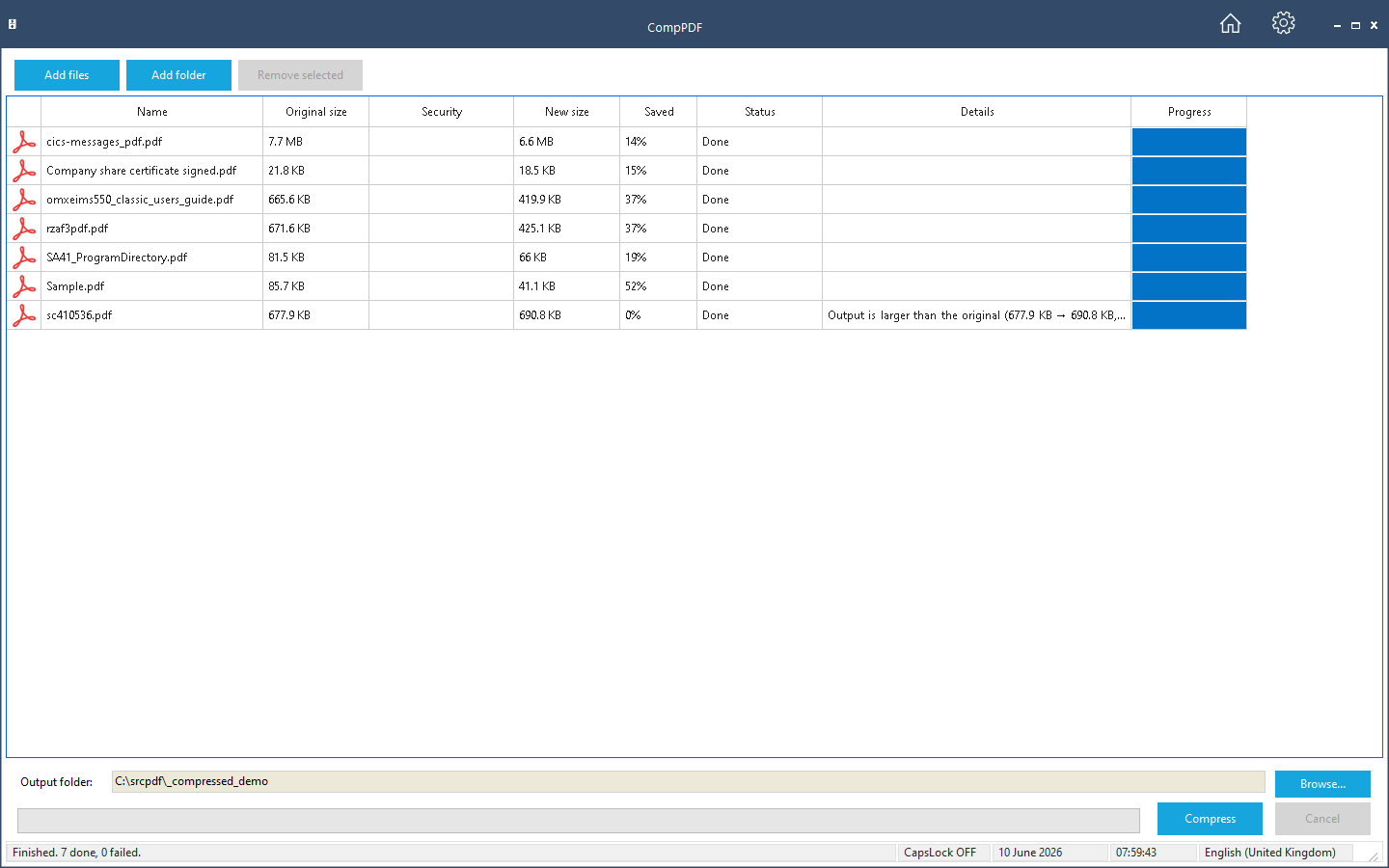
What it does
- Add individual files or whole folders — every subfolder is scanned and every PDF queued in a sortable, multi-select list.
- Four optimisations, each under your control: image recompression at a chosen quality, font optimisation, page-content optimisation, and metadata removal.
- Password-protected PDFs are prompted up front, before the run starts — and the same password is re-applied to the compressed copy.
- Digitally signed PDFs are flagged honestly — re-saving always invalidates a signature, in every tool — with optional re-signing using your own certificate.
- An end-of-run report lists every file's original size, new size, and saving.
Nothing is uploaded
People compress contracts, statements, medical and HR paperwork — exactly the documents you would rather not hand to a web service. CompPDF does all of its work locally on your PC. No accounts, no upload limits, no third party seeing your documents.
Price
Update (23 July 2026): from version 1.0.1.0, CompPDF is completely free on the Microsoft Store — no purchase, no trial and no subscription. Get it on the Microsoft Store.